Your phone’s clutter has an end date.
Sweepo finds duplicate and similar photos, blocks ads in Safari, checks the basics on your device, and tells you if your email or password has been exposed — one tool at a time.
Download on theApp Store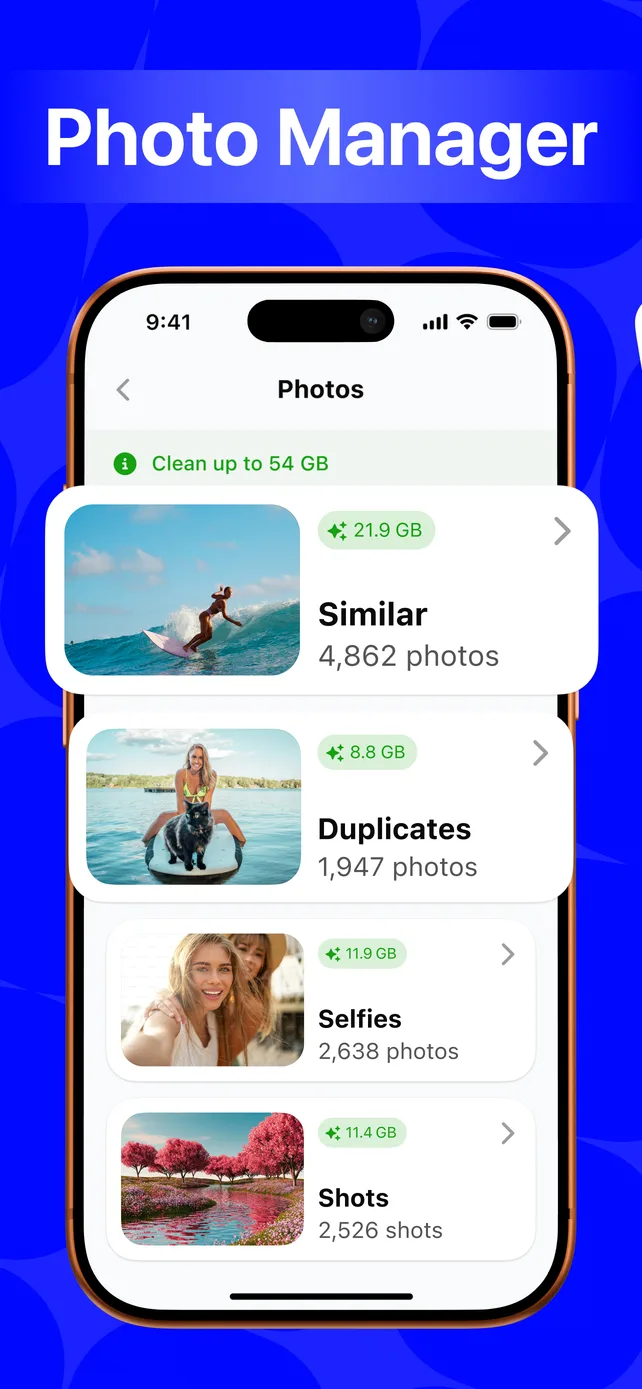
- On-devicephoto scanning
- Freeto download
- iPhoneonly
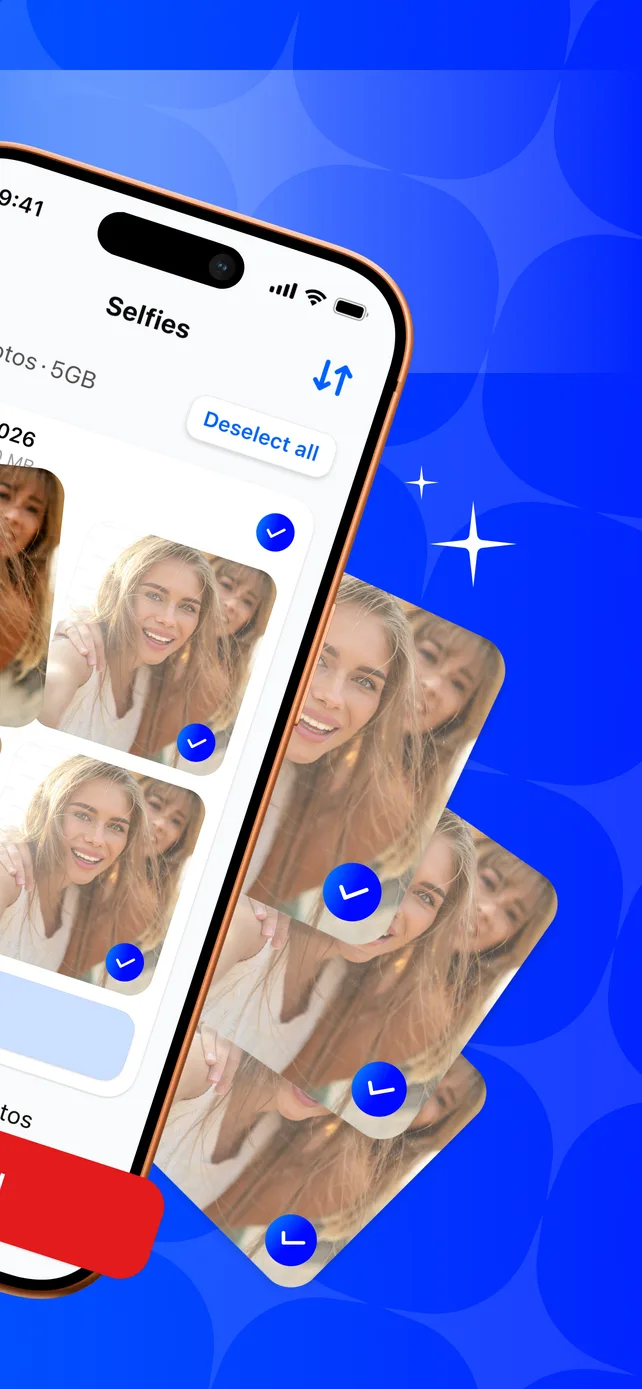
Selfies pile up. Sweepo sorts them out.
Duplicate and near-identical shots are grouped and ready to review — deselect what to keep, clear the rest in one tap.
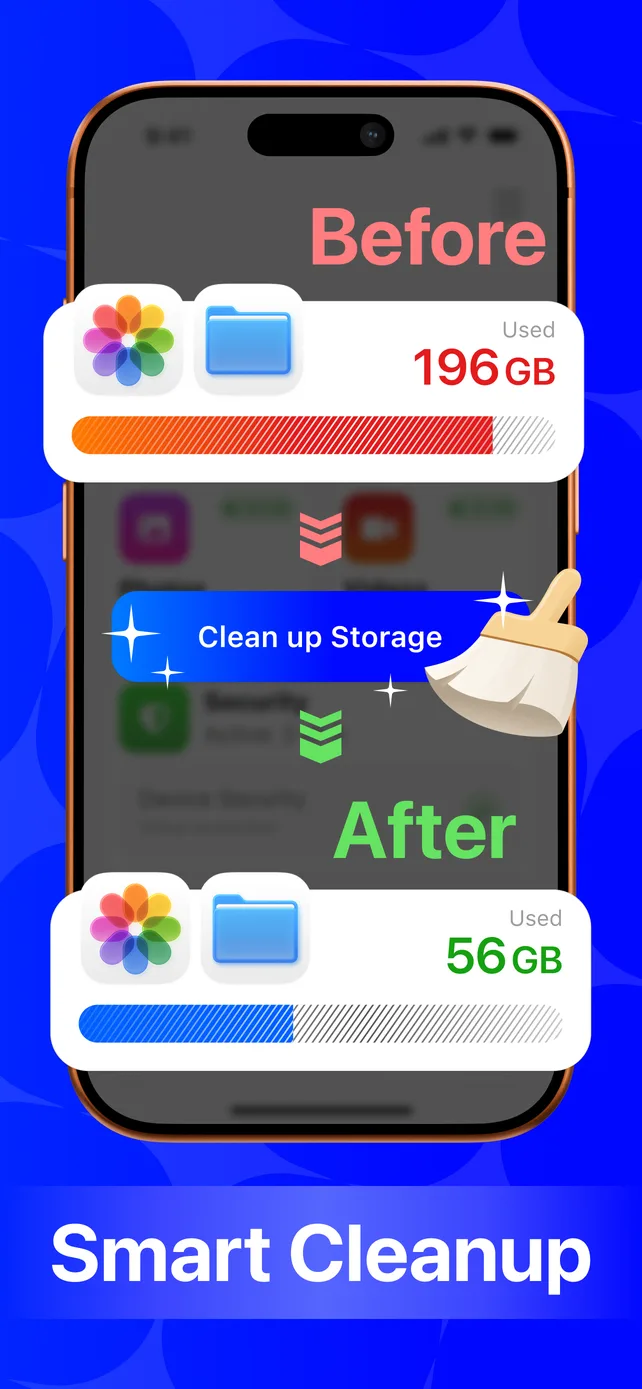
196GB down to 56GB. One tap.
Sweepo scans your whole library, groups what’s safe to clear, and shows the before and after — nothing is removed until you confirm.
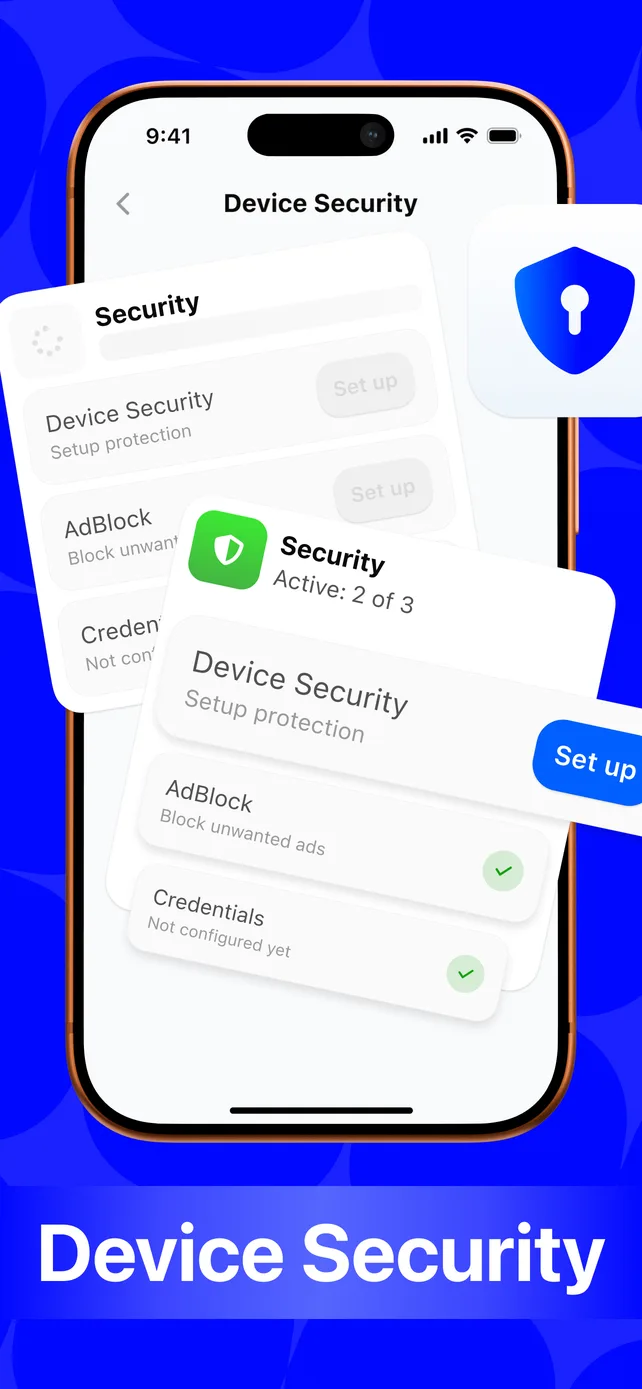
The basics, checked in one place.
Passcode set? Ad blocker on? Credentials protected? Sweepo checks and shows exactly what’s still open. The built-in Safari content blocker cuts ads while you browse.
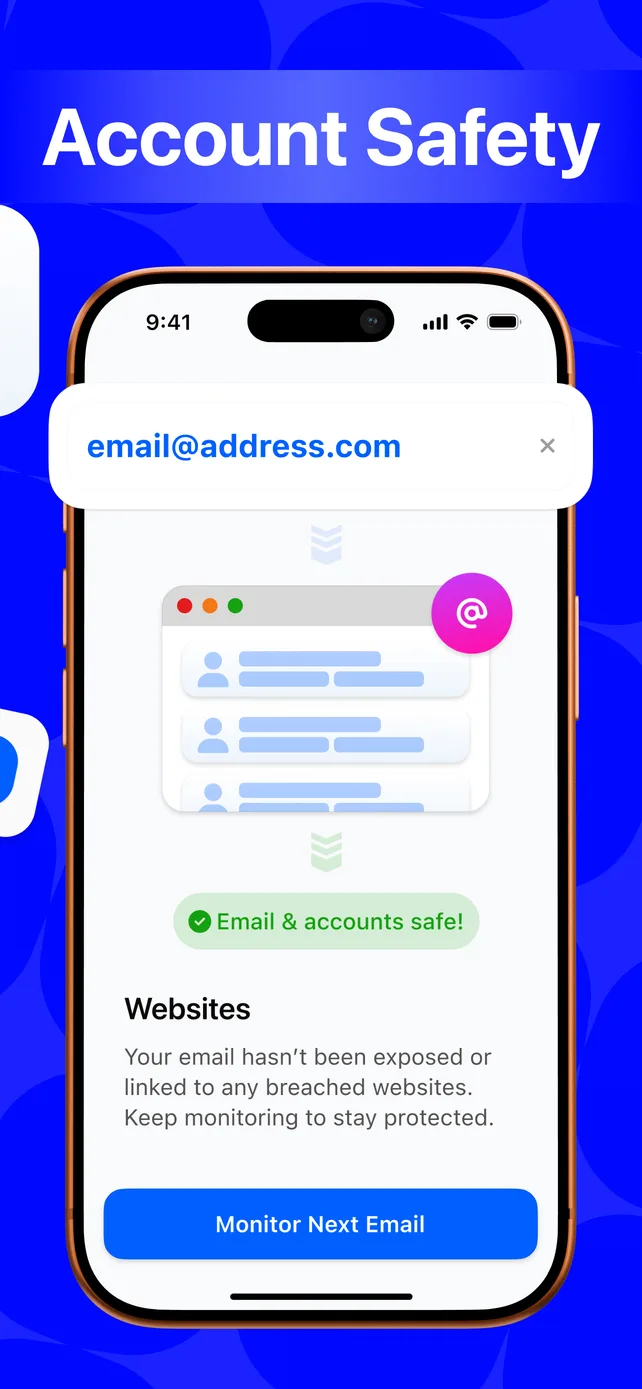
Know if your email or password has been exposed.
Checks against known data breaches. You choose what to check — nothing runs without you starting it, and your password never leaves your iPhone.
What actually leaves your phone.
Photo scanning and comparison happen on your device. Here’s exactly what is sent, and to whom.
✓Stays on your device
- Your photo and video library
- Duplicate and similarity comparisons
- Device Security results
- The password you check in Account Safety
↗Leaves your device
- The email you check in Account Safety, sent to Have I Been Pwned when you start a check
- For a password check, only the first 5 characters of its SHA-1 hash
- App usage and crash reports, to Google Firebase
- Install attribution data, to AppsFlyer
- Purchases and subscription status, via Apple
Common questions.
Does Sweepo upload my photos anywhere?
No. Scanning and comparison run on your device. Account Safety sends only the email you check, or a partial hash of a password, to Have I Been Pwned. The App also uses Google Firebase for usage analytics and crash reports, and AppsFlyer for install attribution — never your photos.
If I delete photos, are they gone for good?
No — iOS moves them to Recently Deleted first, where they stay for about 30 days before being removed for good.
Is Sweepo free?
Free to download and use its core features. Premium features unlock through an in-app subscription; pricing shows in the app and on the App Store before you buy.
How do I cancel a subscription?
Settings → your name → Subscriptions → Sweepo → Cancel. Apple manages subscriptions, so deleting the app doesn’t cancel one. See Support for the full walkthrough.

Give your phone a fresh start.
Free to download. Clean what’s cluttered, check what’s exposed.
Download on theApp Store